

MeetGeek Introduces its Desktop App: Record Conversations Anywhere, Without a Bot
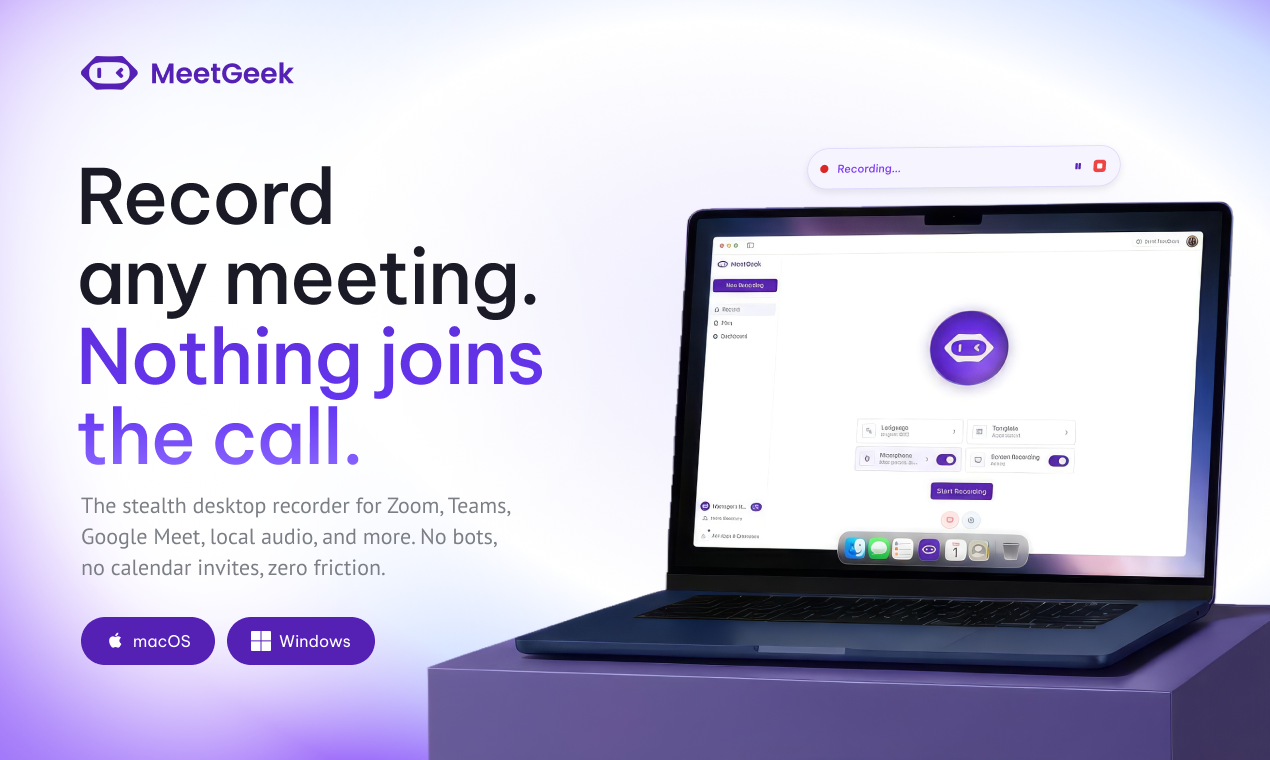
Desktop App for macOC and Windows
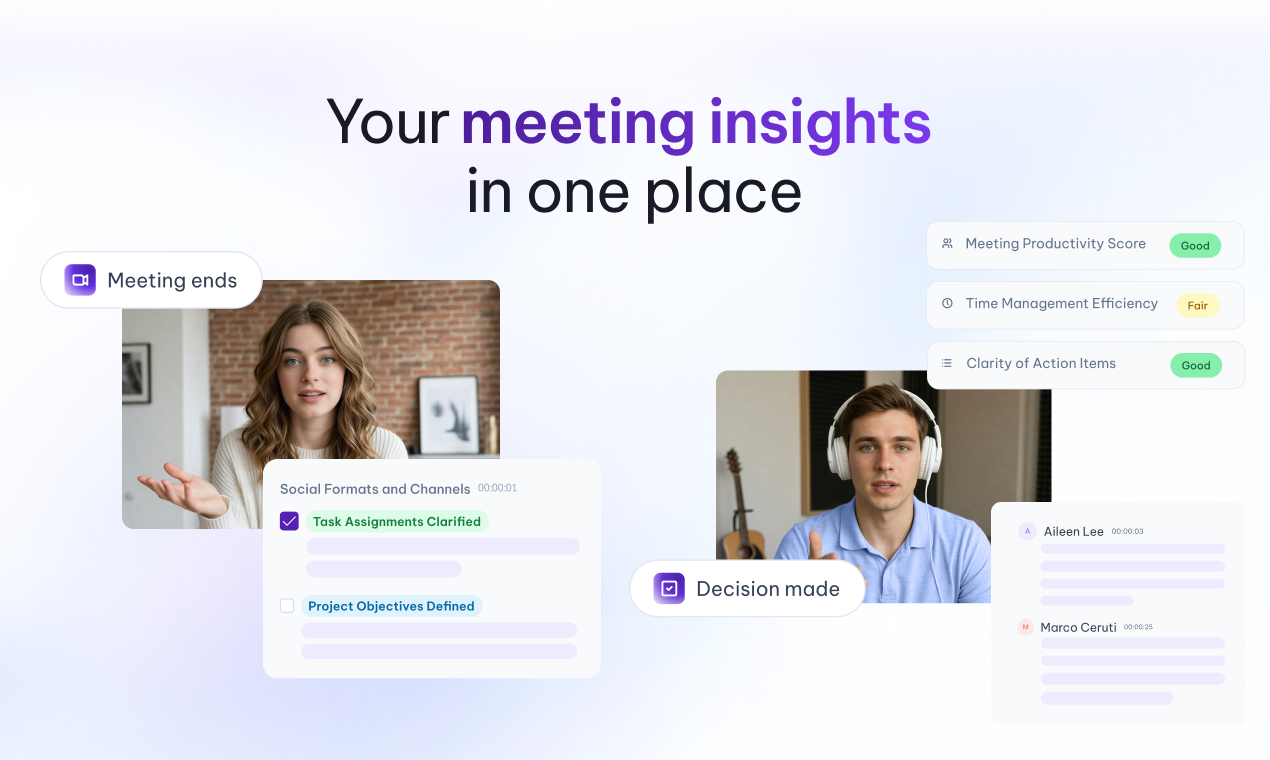
MeetGeek captures and acts on meeting insights
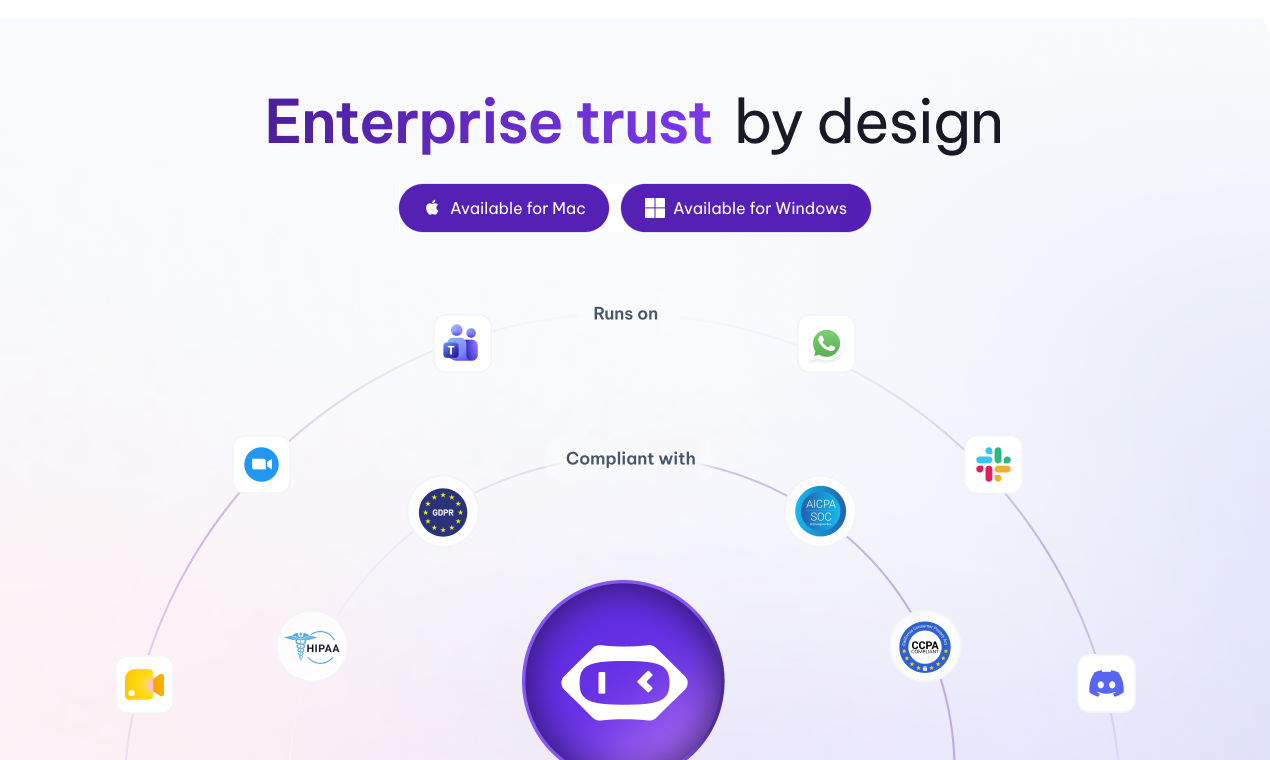
MeetGeek Desktop has enterprise-grade security
The new MeetGeek Desktop App records any conversation on macOS and Windows, including those that never had a calendar invite. No bot, no setup.
DOVER, DE, UNITED STATES, September 24, 2026 /EINPresswire.com/ -- MeetGeek has launched its Desktop App for macOS and Windows, giving teams a way to record, transcribe, and act on any conversation that happens on their machine, from scheduled video calls to the ad hoc ones that were never on a calendar.The app records audio, video, and screen directly from the user's machine across Zoom, Google Meet, Microsoft Teams, Webex, and any other conferencing tool. It extends to conversations most meeting tools cannot reach: Slack Huddles, WhatsApp calls, and in-person meetings with no link at all. Notifications prompt the user to record both calendar meetings and calls that start without warning, so nothing needs to be set up in advance and nothing needs to join the call.
How MeetGeek Desktop works
Users download the app, sign in with their MeetGeek account, and connect their calendar. When a scheduled meeting starts, or a call begins without one, a notification offers to record. After the call, the transcript, summary, and highlights appear in the user's MeetGeek workspace, in any of 100+ languages.
Built for roles where conversations move fast
- HR teams capture employee workshops and site sessions with no video call involved.
- Sales teams record the call that starts as a Slack Huddle and the follow-up that moves to WhatsApp.
- Consultants record a client Zoom under NDA with nothing added to the participant list.
- Customer Success teams keep a record of escalation calls that begin on a phone and never touch a calendar.
The whole of MeetGeek, on the desktop
Everything captured lands in the user's MeetGeek workspace, and now the features that act on it live in the app too:
- AI Chat runs inside the Desktop App, so users can ask questions across their meeting history, generate drafts, and write follow-ups without leaving what they are working in.
- AI Studio brings Skills and Voice Agents to the desktop, allowing users to build and customize agents that automate post-meeting work or assist during live calls.
- MeetGeek's MCP Server and connectors allow teams to query meeting recordings from Claude and ChatGPT, bringing decisions, commitments, and context into the assistants they already use.
Meetings captured through the Desktop App can also trigger automated workflows across 10,000+ connected apps, including CRM updates, task creation, and follow-up drafting.
"Many of the conversations that matter are not the ones with a calendar invite," said Dan Huru, CEO of MeetGeek. "They are the quick Huddle, the call that moves to WhatsApp, the discussion that carries on in the room after the video call ends. The Desktop App captures all of it, and it brings the whole of MeetGeek to where people are already working."
Privacy and consent
Because the Desktop App records locally, users are responsible for letting participants know a conversation is being recorded, in line with local consent laws. Recordings are stored and processed under the same security standards as the rest of MeetGeek: SOC 2 Type II, ISO 9001, GDPR and CCPA compliance, a HIPAA BAA, and EU or US data residency.
One meeting history, four ways to capture
The Desktop App is MeetGeek's fourth capture method, alongside the Notetaker, the Mobile App and the Chrome Extension. All four feed a single structured repository, so teams can capture different conversations in whichever way suits them without splitting their meeting history across separate tools.
A fifth is on the way. Wave, MeetGeek's upcoming AI recorder, will capture phone and WhatsApp calls on both sides of the conversation and send them to the same workspace. More details will follow in the coming weeks.
The Desktop App is live now at meetgeek.ai/desktop-app for macOS and Windows. It is available from the Free plan, and paid plans begin at $9.99 per user per month.
About MeetGeek
MeetGeek is an AI meeting intelligence platform used by more than 50,000 teams across 100+ countries. It captures, transcribes, and structures conversations in 100+ languages, then uses meetings as triggers for automated workflows across the tools teams already use. MeetGeek is SOC 2 Type II certified, offers a HIPAA BAA, and is GDPR- and CCPA-compliant, with EU and US data residency options.
Mariana Oliveira
MeetGeek
mariana@meetgeek.ai
Visit us on social media:
LinkedIn
YouTube
X
Instagram
MeetGeek Desktop App: Record Meetings Without Bots
Legal Disclaimer:
EIN Presswire provides this news content "as is" without warranty of any kind. We do not accept any responsibility or liability for the accuracy, content, images, videos, licenses, completeness, legality, or reliability of the information contained in this article. If you have any complaints or copyright issues related to this article, kindly contact the author above.
